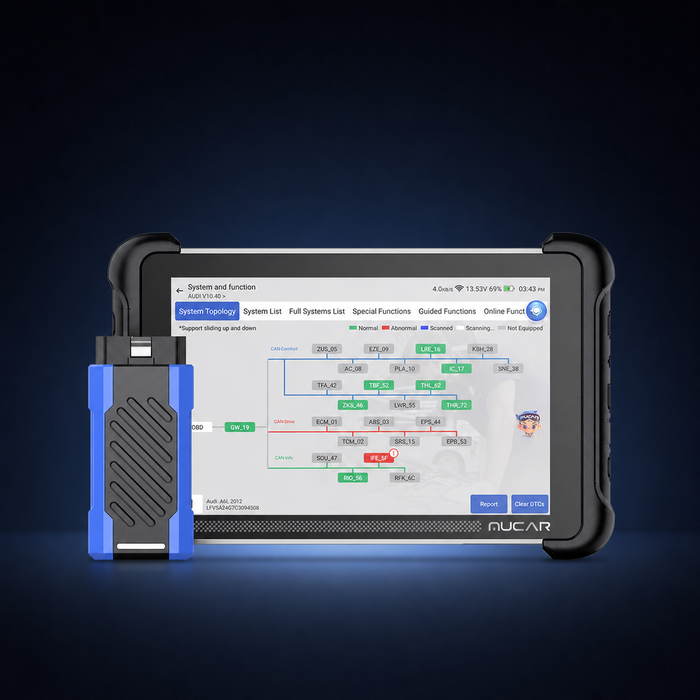
PROFESSIONAL VEHICLE DIAGNOSTICS
Diagnostic tools. For your next repair.
Explore diagnostic tools, software updates and gateway licences. Find your manufacturer, choose your device and check the functions you need.
01 / 03HARDWARE · DIGITAL SERVICES
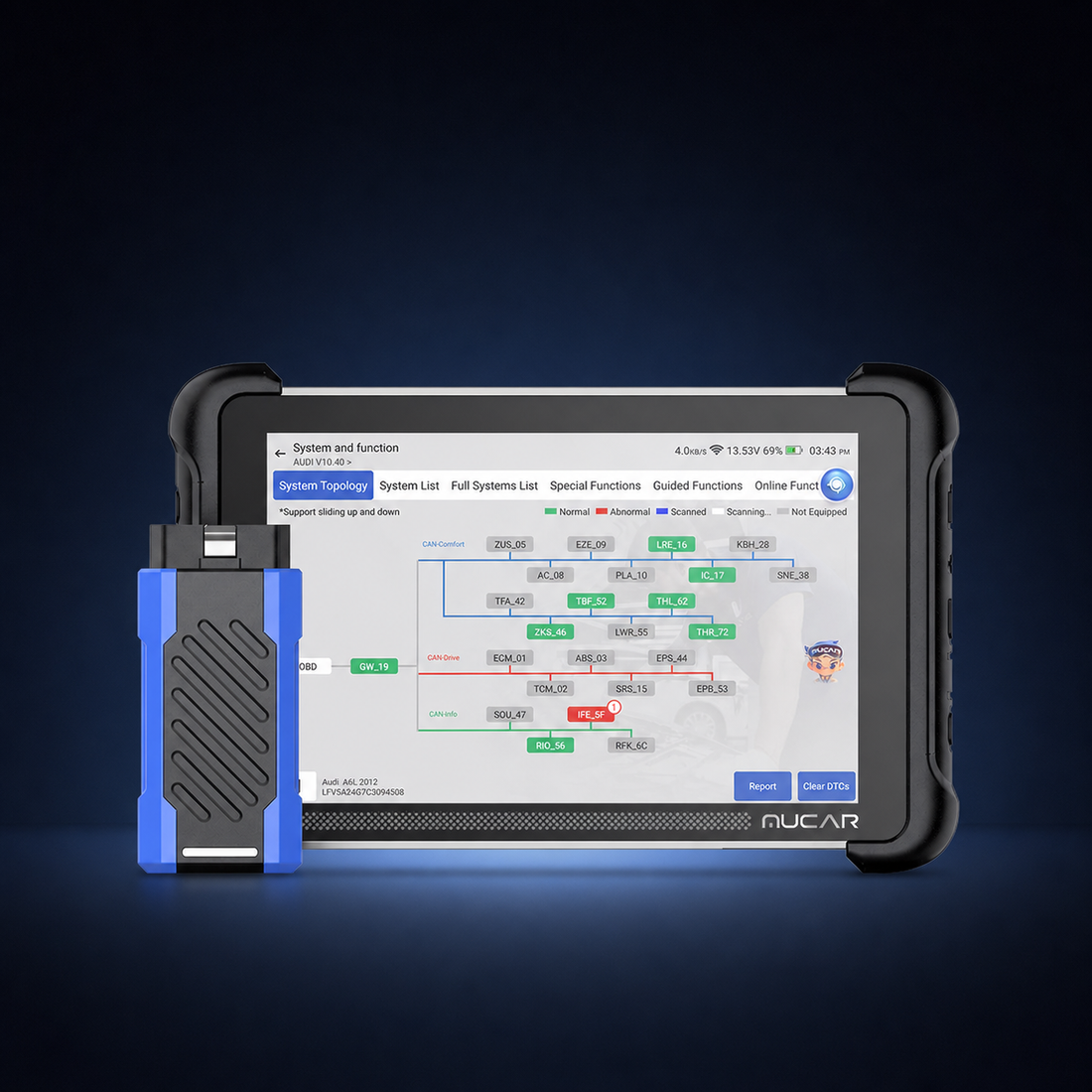
MUCARMUCAR 892BT Pro
Find what you need
A new tool, an update or access for your existing device.
Shop by manufacturer
Go straight to the brands you work with.
PROFESSIONAL VEHICLE DIAGNOSTICS
Tools to explore
Compare the device, included options and vehicle coverage before you choose.
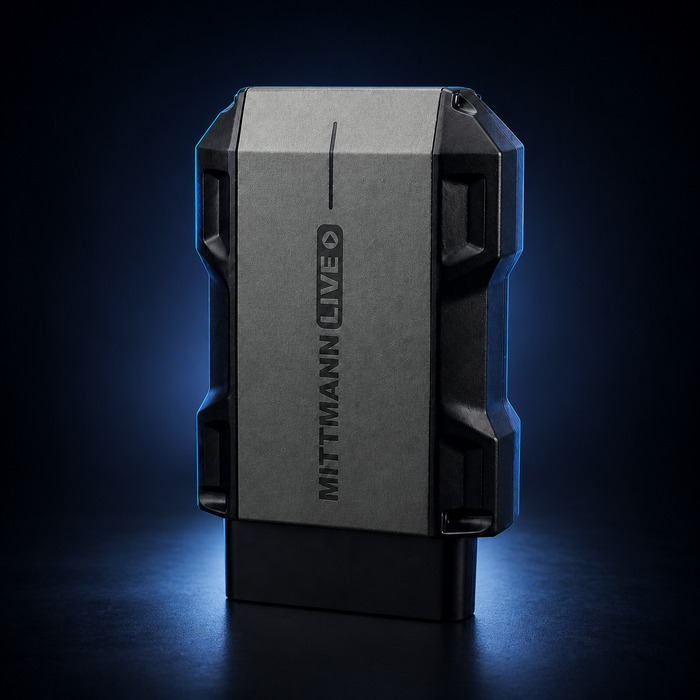
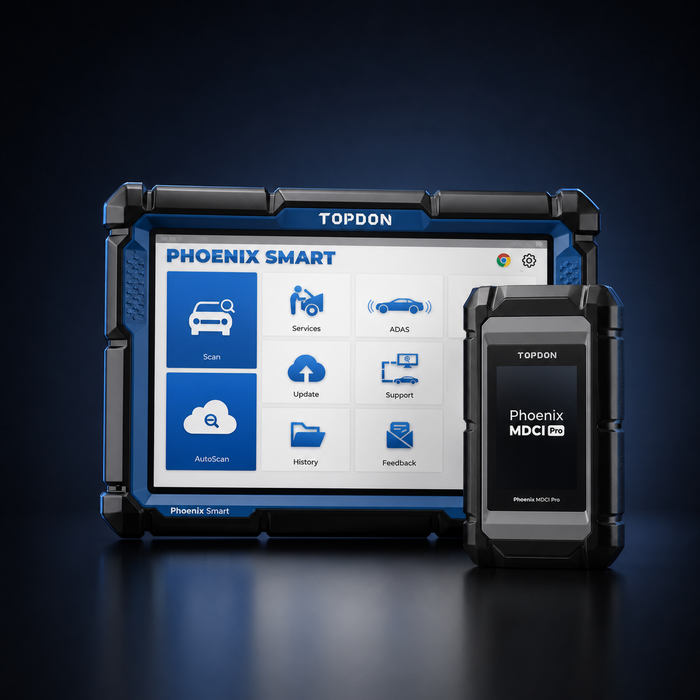
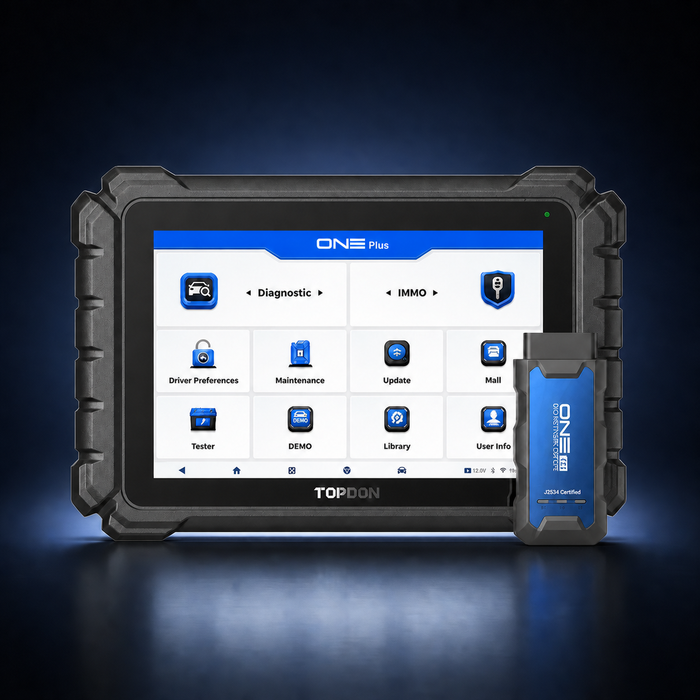
Prices in USD. Delivery and available functions depend on the product and destination.
DIGITAL SERVICES
Your device. Kept ready for work.
Already own a diagnostic tool? Start with the exact model. An update, a gateway licence and a language change are different products.
Diagnostic guides
Questions worth asking before you buy
Which diagnostic tool is right for my workshop?
Start with the vehicles you work on and the jobs you need to complete. Compare the exact model and package, then ask us about the functions that matter to you.
Do I need a software update or a Security Gateway licence?
They serve different purposes. Check the licence description, supported device, term and region before ordering. A software update does not by itself confirm gateway access.
How are digital products different from hardware?
Hardware is a physical product. Digital updates and activations do not include a scanner. Some listings offer both options: the selected variant determines what you receive.
Will the device support my vehicle?
Functions vary by device, vehicle, model year and control unit. Check your exact task before buying. SFD and SFD2 must be checked separately.
How do I pay?
The shop uses bank transfer. Follow the payment instructions supplied for your order. Processing starts after receipt of payment.
ZENTRYA FZCO
Before you buy, let’s check the fit.
Tell us your diagnostic device, vehicle model, model year and the function you need. We can help you narrow down the options.